What are the solutions for poor contact in terminal blocks?
Step 1: Safety first
Power-off operation: Before performing any operation, always cut off the power to the relevant circuit and verify that there is no power with an electric pen.
Personal Protection: Wear insulated gloves and use tools with insulated handles.
Step 2: Systematic examination and diagnosis
Visual Inspection: Look for visible ablation, blackening, deformation, cracks, or rust on the terminals.
Smell Check: Smell for burnt plastic or ozone odors.
Temperature check: To ensure safety, the device can be scanned at the terminal connection with an infrared thermometer during operation, and the point where the temperature rises abnormally (above 20°C above the ambient temperature) is usually the point of poor contact.
Shaking Test (after power off): Gently shake the wire to check for looseness. Be careful not to use too much force. Step 3: Targeted solutions
1. Cleaning Treatment (for oxidation, dirt) Physical cleaning: Use fine sandpaper, metal brushes, or special contact point cleaners to gently sand the terminal metal sheets and wire heads to remove oxide layers and carbonized dirt. Note: Always wipe thoroughly with absolute alcohol or a lint-free cloth after cleaning to remove all debris. Chemical cleaning: Spray cleaning with a dedicated electronic contact cleaner, which quickly removes oil and minor oxidation, dries quickly and is non-conductive.
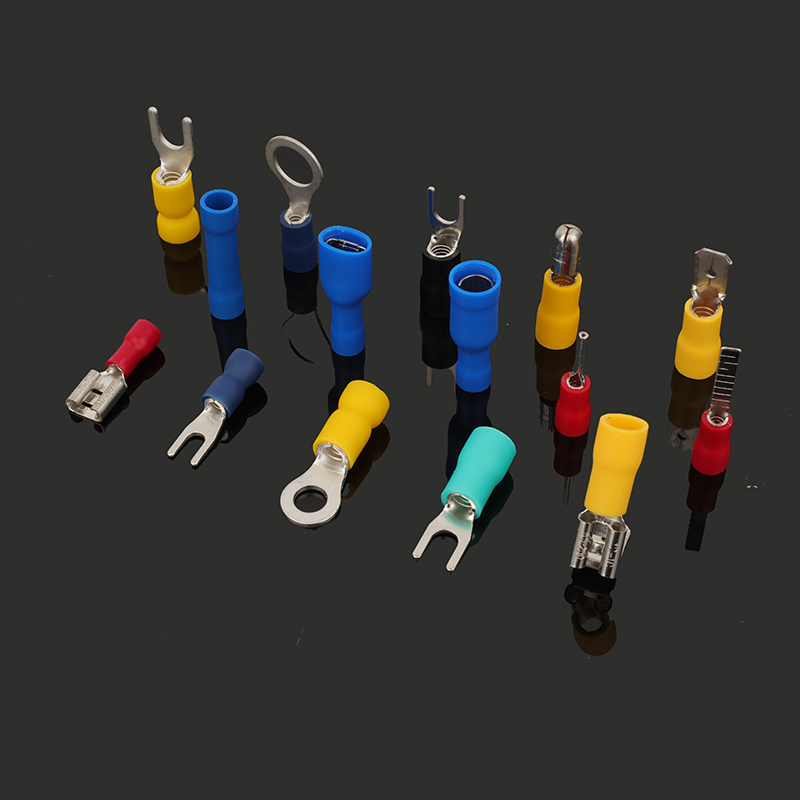
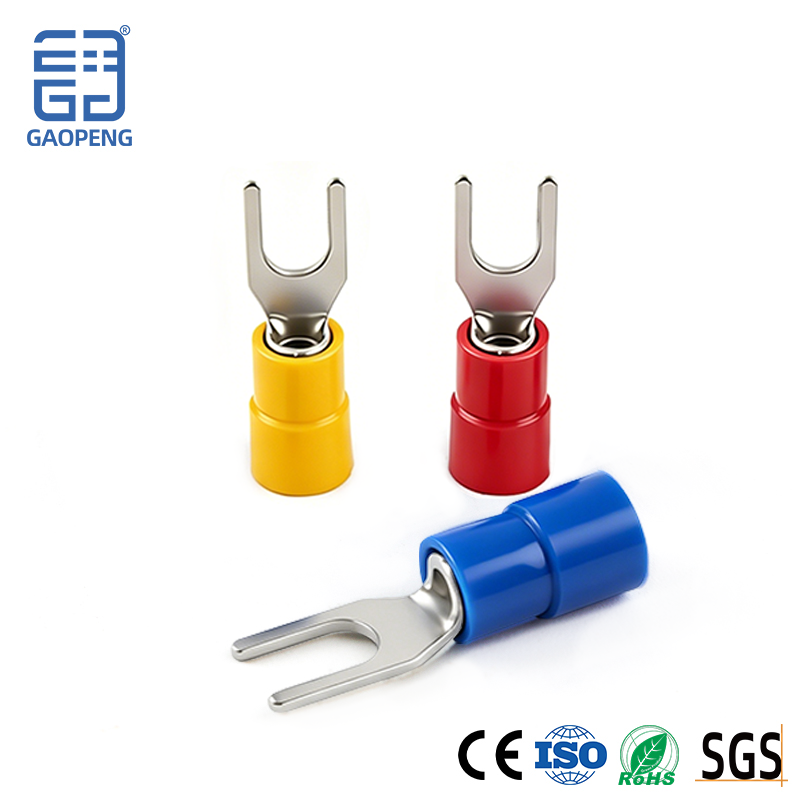
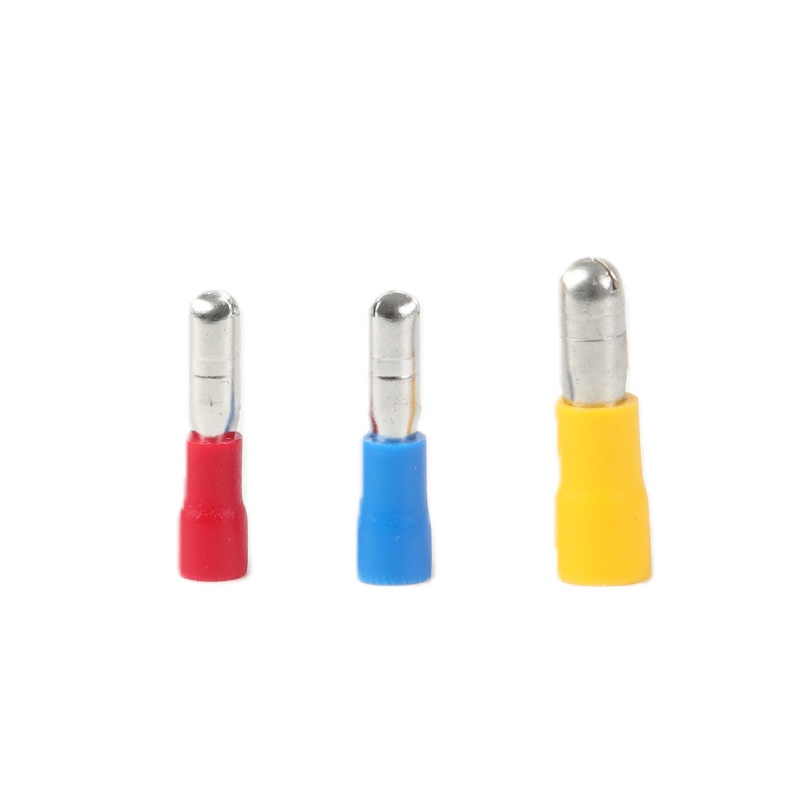
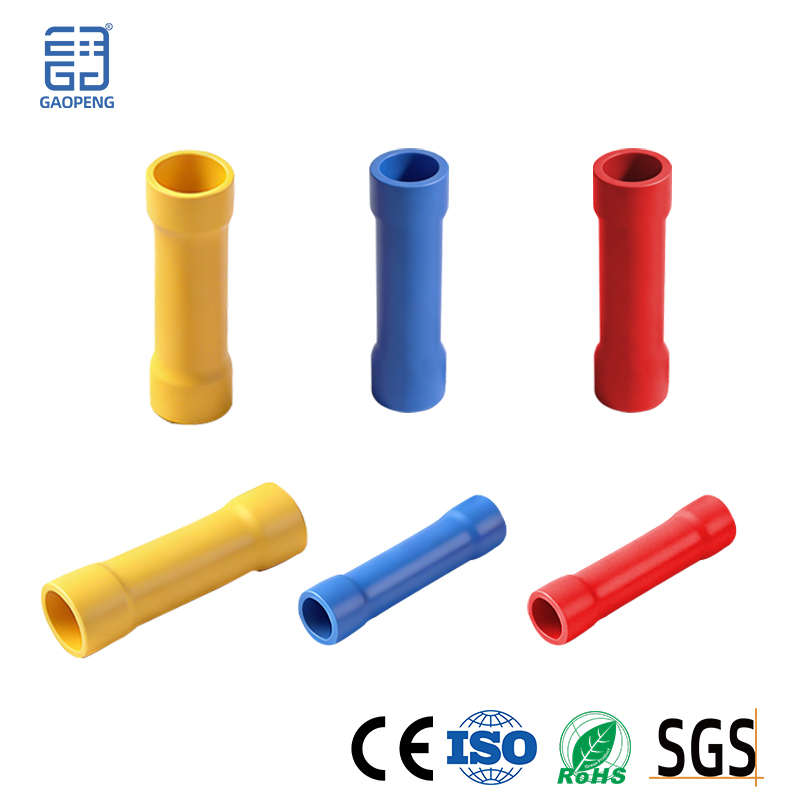
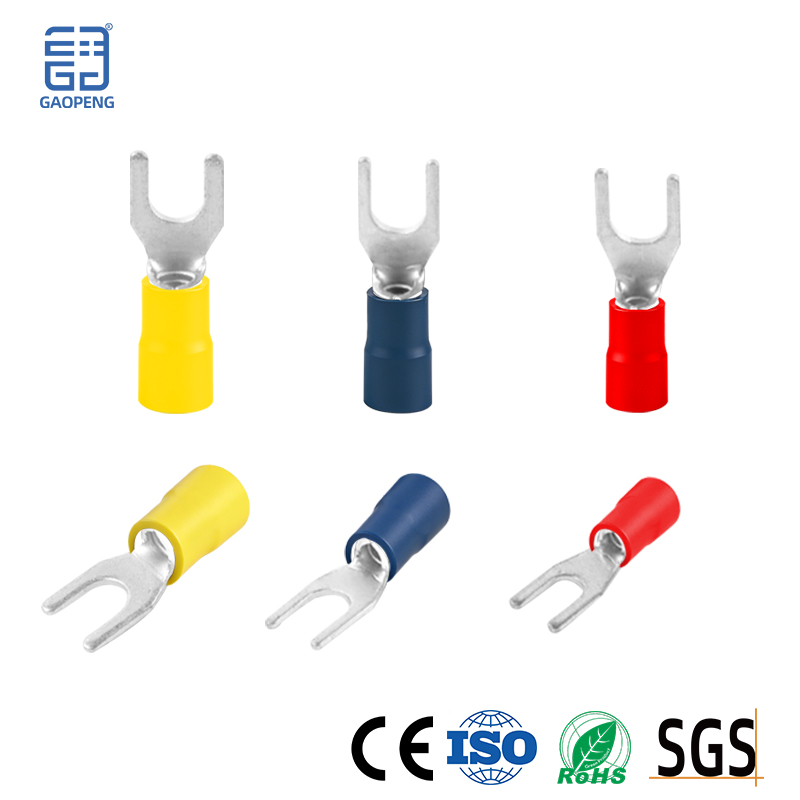
2. Fastening (for looseness) Use the right tools: Choose a screwdriver or socket that matches the size to avoid breaking the screws. Proper Operation: For screw terminals, tighten them firmly but not excessively, as overtightening may damage the threads or break the core. Cable Handling: Ensure that the inserted wire is a complete single or multi-strand wire before tightening. For multi-strand flexible wires, crimped noses (terminal heads) must be used to prevent the wires from spreading and reducing the contact area.
3. Repair and Strengthening (for minor damage or high-demand occasions) Apply conductive paste/power compound grease: Apply a thin layer to the cleaned, fastened contact surface. It can not only prevent oxidation and corrosion, but also fill the microscopic air gap, improve electrical conductivity and heat dissipation, and is especially suitable for high-current, humid or oxidative environments. Note: This is not a conductive adhesive and is not a substitute for mechanical connections. Repair Damage: If the terminal plastic housing is slightly deformed but the metal part is intact, it can continue to be used but closely observed. If the metal part is severely ablated, it must be replaced.
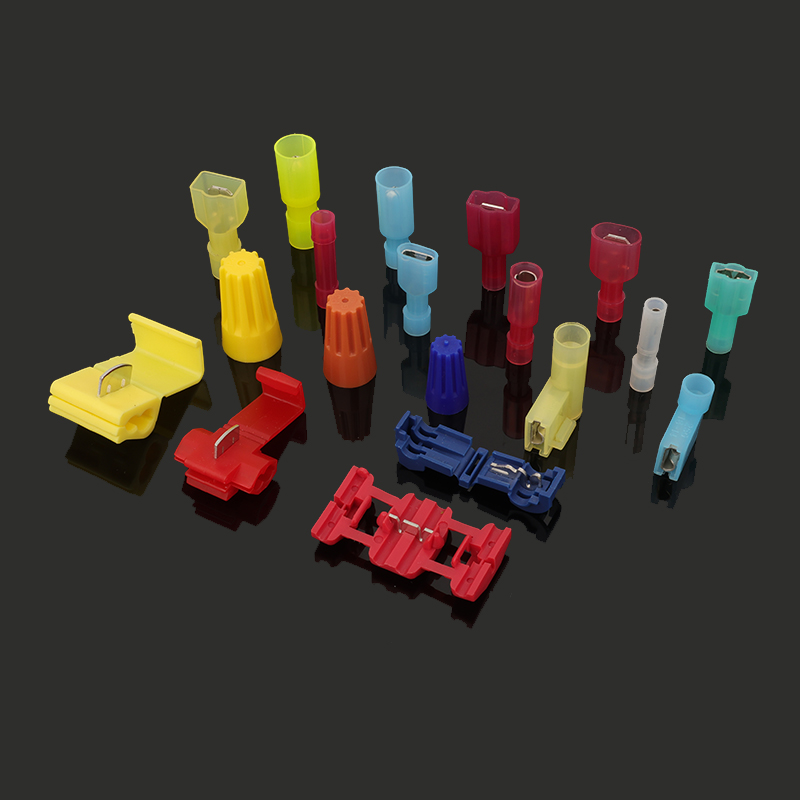
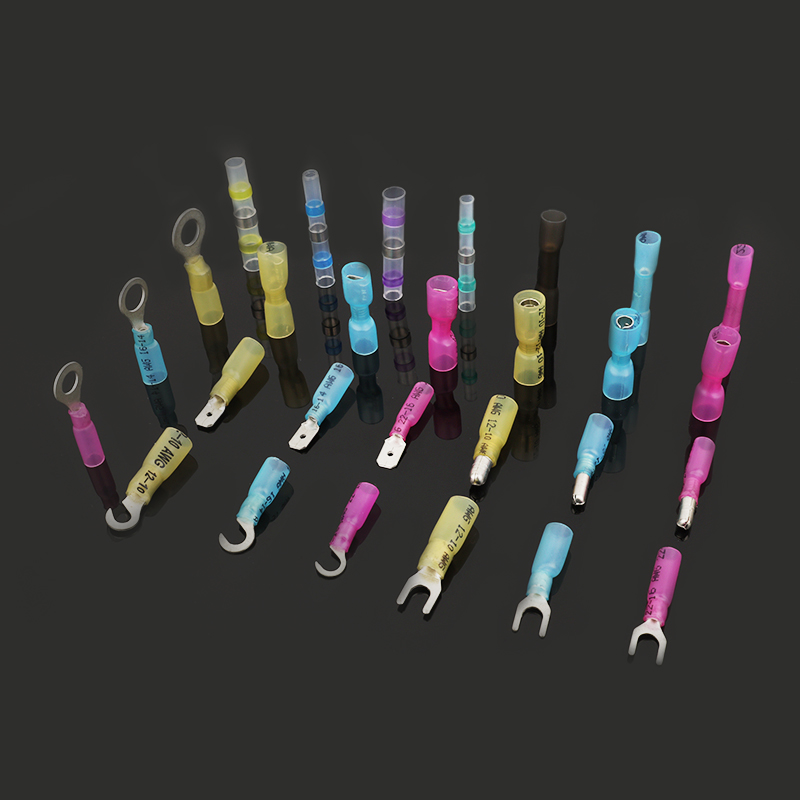
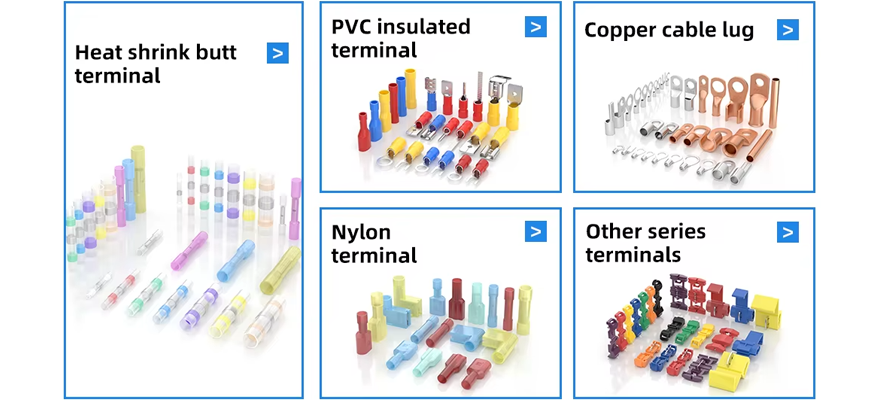
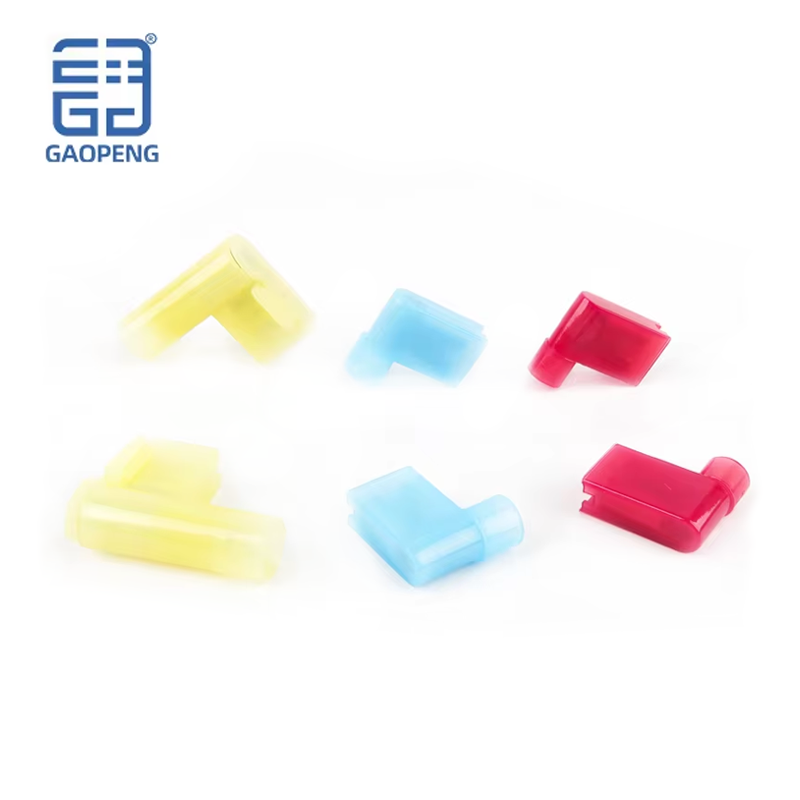
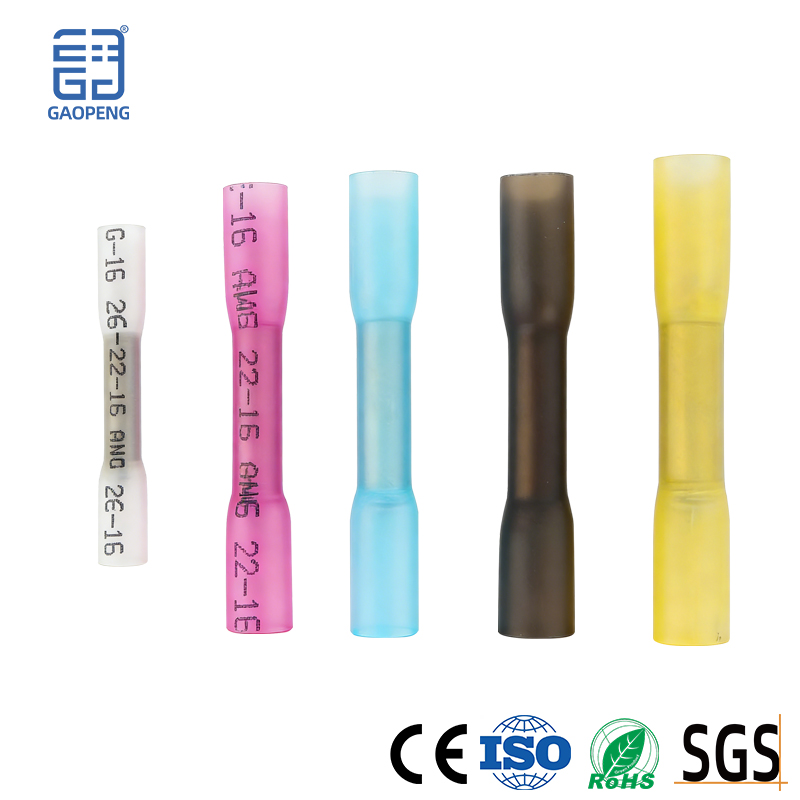
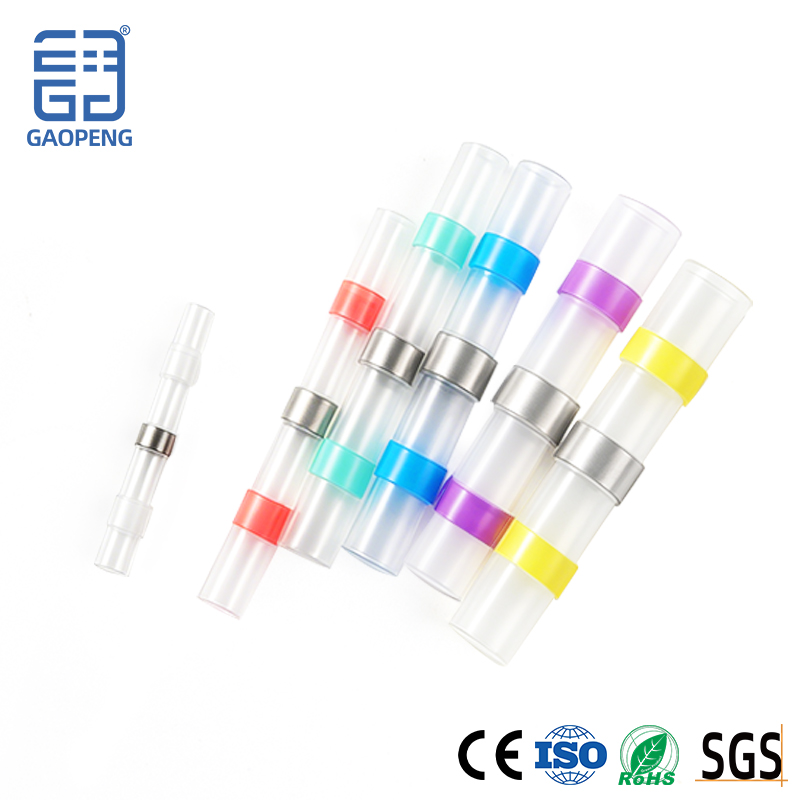
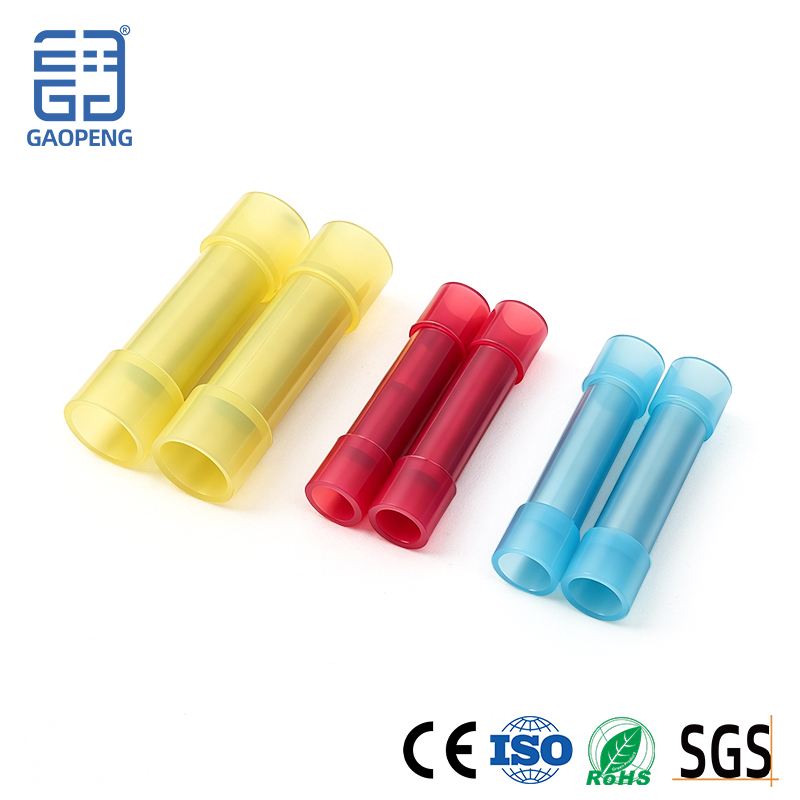
4. Replacement Treatment (For Severe Damage) Replace Terminals: If the terminals are severely ablated, melted, broken, or permanently fail elastic, the safest and most effective method is to replace the entire terminal or terminal row directly. Replace the cable: Check the wires connected to the terminals. Standardized construction: Tighten the screws strictly according to the torque specified by the manufacturer. The nose of the multi-strand wire must be pressed and ensure that the nose matches the specifications of the terminal. Avoid crimping more than two wires on one terminal. Avoid mechanical stress directly acting on the terminals when wiring. Regular maintenance: For critical or harsh operating equipment, establish a regular inspection schedule (e.g., temperature measurement with a thermal camera) for preventive fastening and cleaning. Use reliable quality products: Choose high-quality connectors that meet national standards and have certifications, and avoid using inferior products .